Why a $150 DAC won’t lower your ping – and when it actually helps
You’ll learn which parts of the sound chain actually affect reaction time and which are pure hype. Most guides blur latency, impedance and marketing, leaving you with overpriced junk.
Where to buy this gear
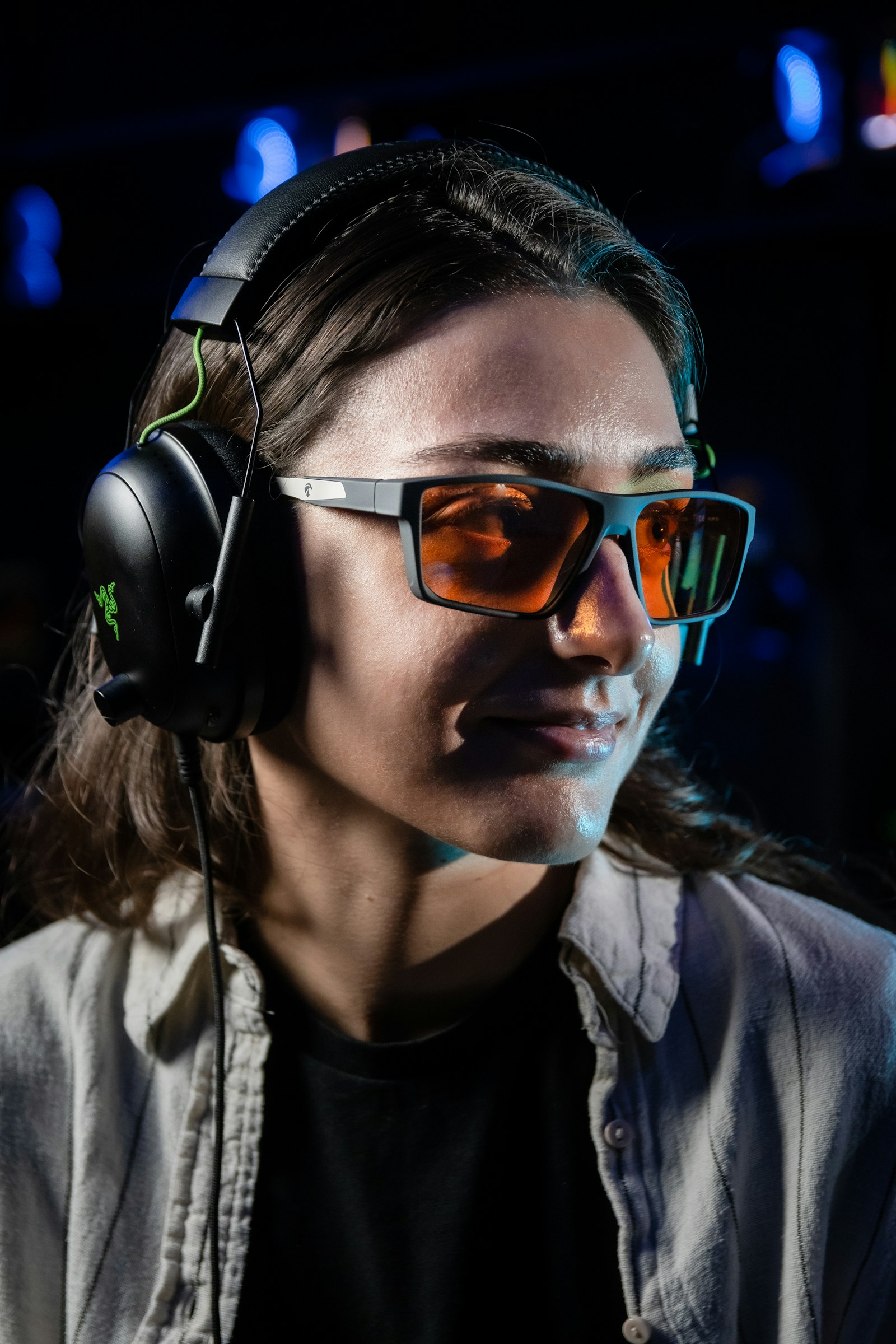
The moment you spot a sleek black box promising “studio‑grade sound for esports,” the same part of your brain that spots a cheap 144 Hz monitor lights up. The price tag often lands between three‑figures and five‑figures, while the potential gain is a single digit in latency or a barely perceptible lift in clarity. Throwing cash at a DAC/amp without checking the actual bottleneck can waste the budget you’d otherwise spend on a better mouse sensor or a 240 Hz panel.
Can a DAC/amp actually improve competitive performance?
Latency is the only metric that matters when you’re fighting for a 1 ms edge. A typical USB DAC adds anywhere from 0.5 ms to 3 ms of round‑trip delay, depending on its internal buffer size and driver implementation. In a match where a flick of the mouse translates to a headshot, that extra lag can be the difference between a win and a respawn timer.
But the delay isn’t the whole story. Most modern gaming headsets already contain built‑in DACs that run at 48 kHz/24‑bit and push audio directly to the drivers. The external unit you’re eye‑balling merely replaces a component that was already doing the job, so any perceived improvement comes from the quality of the analog stage, not from faster data handling.
If you’re playing a 1v1 arena where every microsecond counts, the only safe bet is to benchmark the end‑to‑end latency yourself. Tools like LatencyMon or the “AudioLatency” script can reveal whether the external hardware adds or subtracts from the baseline. Skipping this step is the fastest way to spend a hundred bucks on a glorified USB hub.
Do most games even use the audio path where a DAC matters?
The Windows audio stack converts game audio to PCM before handing it off to any USB device. If the game outputs 44.1 kHz/16‑bit, the system will resample to whatever the device advertises, often incurring a tiny processing cost. Most shooters run at 48 kHz already, so the conversion step disappears entirely.
When you enable “Spatial Audio” or “Windows Sonic,” the OS injects HRTF processing that can increase CPU load, but it still runs before the DAC. The external box cannot influence the algorithmic mixing; it only reproduces the final waveform. In other words, the DAC is a downstream afterthought for the game’s sound engine.
Only titles that stream high‑resolution audio—like certain RPGs with orchestral scores—benefit noticeably from a 96 kHz/24‑bit DAC. Even then, the improvement is a richer ambience, not a competitive edge. Most esports titles prioritize low latency over sonic fidelity, so the DAC sits on the sidelines.
What the audiophile spiel hides: marketing vs measurable gains
Manufacturers love to tout THD‑+N figures like “<0.001 %” and frequency response “20 Hz‑20 kHz ±0.5 dB.” Those specs are measured with sine waves and cheap earbuds, not with the complex, dynamic signals a game generates. In practice, the human ear can’t differentiate that level of distortion when the source is compressed game audio.
The real differentiator for gamers is the output impedance. A high‑impedance amp can drive planar magnetic headphones that a typical headset jack can’t, but most gaming rigs pair with low‑impedance drivers (32 Ω or less). Plugging a 600 Ω amp into a 32 Ω headset yields no extra power and may actually introduce hiss.
RGB‑laden enclosures also distract from the fact that many external DACs use the same chipsets found inside cheap USB sound cards. The casing is a marketing shell, not a performance upgrade. If you strip the paint and stare at the PCB, you’ll see the same TI PCM2704 or Cirrus Logic CS42448 you can buy on eBay for a fraction of the price.
When does a DAC/amp become a real advantage for gamers?
If you own a set of open‑back headphones meant for studio monitoring, their low sensitivity and high impedance will suffer from the weak output of most gaming cards. An amp that delivers 1 V RMS into 600 Ω can raise the SPL by 10 dB, making positional cues clearer in chaotic firefights.
Similarly, dedicated surround sound headsets that rely on analog mixing for the front‑back split benefit from a clean DAC that preserves the phase relationships. Bad DACs can smear the cues, causing you to misjudge enemy direction.
Another niche scenario involves competitive flight simulators where engine hum and wind noise are mixed at high sample rates. A DAC that supports 192 kHz can reproduce those nuances without aliasing, giving you a slight edge in situational awareness. In all other cases, the advantage is marginal at best.
Practical action steps: testing, budgeting, choosing
- Measure baseline latency. Use a loopback cable from the headset jack to a microphone input, record a click generated by the game, and calculate the delay in Audacity. Record the number before and after inserting the DAC.
- Match impedance. Check the headphone specification sheet; if the impedance exceeds 100 Ω, look for an amp that guarantees at least 2 V RMS into that load.
- Set a budget window. Expect to spend $80‑$120 for a decent USB DAC that isn’t a rebranded sound card, and $50‑$100 extra if you need a separate amp. High‑end combo units can climb toward $300, but the performance jump tapers off after the $150 mark.
- Prioritize driver stability. Search forums for reports of “USB audio dropouts” on the model you consider; a cheap unit with flaky firmware will ruin a ranked session more than any latency gain.
- Buy from a return‑friendly retailer. Keep the receipt for at least 30 days and test the unit in your own rig before committing to a tournament schedule.
By following these checkpoints, you’ll avoid the trap of buying a $250 “gaming DAC” that merely adds a sleek LED strip to your desk.
What to double‑check before you pay a single dollar
- Verify the device’s advertised latency with independent measurements, not just marketing PDFs.
- Confirm that your headset’s impedance and sensitivity fall within the amp’s optimal range; otherwise you’ll waste power.
- Ensure the manufacturer offers firmware updates that address Windows 11 USB audio bugs; outdated firmware can cause random disconnects.
- Look for a clear return policy; a 14‑day functional guarantee is a good safety net for hardware that might clash with your existing audio driver stack.
- Cross‑reference user reviews on Reddit’s r/gamingheadsets and r/audiophile for real‑world latency reports; community feedback often reveals quirks that spec sheets ignore.
If each of those boxes checks out, the external DAC/amp can move from marketing fluff to a genuine tool in your competitive arsenal. If any point fails, redirect that cash toward a higher‑refresh monitor or a mouse with a lower sensor jitter—those upgrades actually shave off the milliseconds you need.
Where to buy this gear
Keep tuning your setup
Closed‑Back Headphones Can Cost You a Win – Here’s the Proof
You’ll learn which enclosure type actually improves in‑game hearing and which merely looks cool. Most guides ignore isolation‑induced aim drift and driver‑latency nuance.

Gaming Headset vs IEMs: What Competitive Players Should Wear for Footsteps
Many pros now wear in-ear monitors instead of big headsets. I tested both for hearing footsteps in competitive shooters. The answer depends on your comfort and your mic.
Your Teammates Hate Your Mic. A Cheap USB Microphone Fixes That
Bad headset mics make comms a nightmare. A budget USB microphone plus a few settings tweaks can make you sound clear without breaking the bank.