Drop the Numpad, Save 100g and Cut Latency – Why Tenkeyless Beats 60%
You’ll learn how the smaller layouts affect real‑world input lag, desk space, and mouse handling. Most guides focus on aesthetics and ignore the measurable performance trade‑offs.
Where to buy this gear
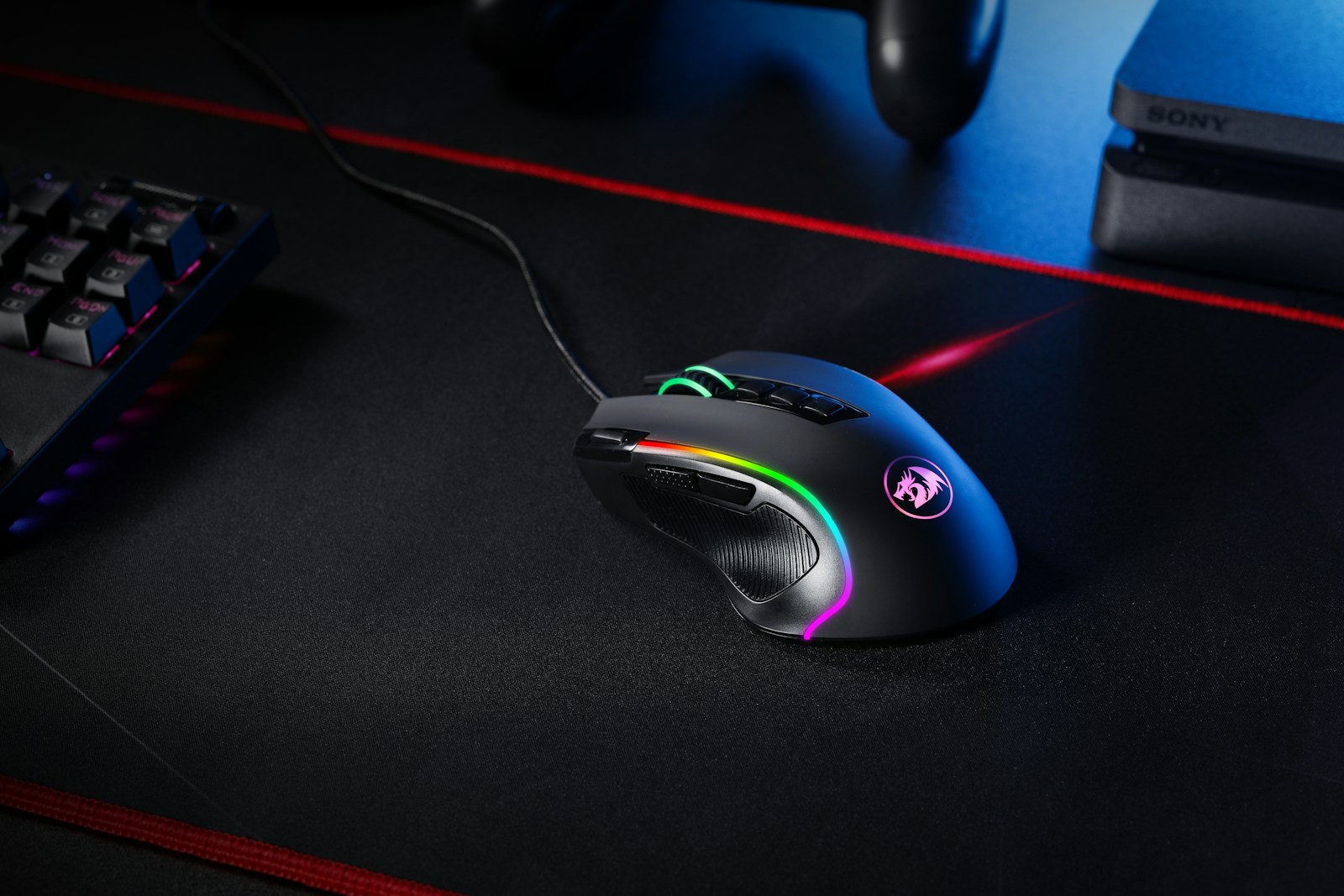
Imagine you’re juggling a 2 kg mouse, a 1.2 kg keyboard, and a cramped desk while trying to land a 0.1 s headshot. The extra plastic and copper in a full‑size board aren’t just a weight problem—they add a few microseconds of scan delay that translate into missed rounds and wasted cash. The tension between brag‑worthy RGB and functional efficiency is where the real decision lives.
The matrix under a tenkeyless (TKL) board typically contains 87 switches versus the 104 of a full‑size board, meaning the controller cycles through fewer rows each poll. That reduction shaves roughly 0.2–0.5 ms off the round‑trip time on a 1000 Hz polling keyboard, a margin that competitive shooters can feel. Manufacturers that keep the numpad alive often hide this latency in glossy marketing videos.
Because the USB HID protocol bundles key reports at fixed intervals, any extra scan time directly pushes the timestamp of the first key in the packet. In practice, a TKL can deliver the “W” key a half‑millisecond earlier than its full‑size counterpart when both are wired to the same controller. That difference is invisible on a spreadsheet but decisive when a 2 ms window separates a win from a loss.
When you measure desk footprint, a TKL occupies about 11 × 4 inches, while a 60% board squeezes into roughly 10 × 3.5 inches. The half‑inch saved per side lets you pull the mouse closer to your forearm, reducing the lever arm that contributes to wrist strain during long sessions. A tighter mouse stance also improves acceleration consistency on high‑DPI sensors.
A typical gaming desk offers 20 inches of usable width after accounting for a monitor stand and cable management. Dropping a full‑size keyboard frees up enough room for a 120 mm mouse pad without crowding the edge, a layout many pros swear by for snap‑turns. The extra space also leaves a gap for a hand‑rest or a small external keypad if you ever need macro layers.
Shedding roughly 150–250 g by ditching the numpad changes the inertia of your typing hand. Less mass means your fingers can settle on the home row faster after a burst, which matters for rapid fire in titles that demand sub‑10 ms key repeats. The reduction is comparable to swapping a 2 kg mouse for a 1.8 kg one—noticeable to anyone who has timed a flick shot in a high‑sensitivity setup.
In a typical 400 dpi, 0.12 ms sensor, the dominant factor in a flick is the mouse’s swing arc, not the keyboard weight, but every gram shaved off the keyboard indirectly improves the ergonomics of that swing. Players who have experimented with both layouts report a smoother transition between strafing and aiming, attributing it to the ability to keep the mouse closer to the body without the keyboard jutting out.
Most newcomers balk at the learning curve of a 60% board because the missing navigation cluster forces layer‑taps for Home, End, and Delete. The mental overhead of holding a function key while reaching for a macro can add 10–20 ms of decision time until muscle memory settles. For amateur streamers who value comfort over split‑second advantage, that trade‑off may feel unjustified.
Your brain will eventually map the compact layout into a new reflex loop, but the interim period can cost you a few games per session, especially in high‑stakes ranked ladders. If you already excel with a TKL, the extra compromise of a 60%—a smaller keycap surface and more aggressive key rollover—might not be worth the novelty.
First, list the switches you prefer—tactile, linear, or clicky—and check that the chosen layout offers the same option. Brands such as Ducky, Leopold, and Varmilo keep the same switch families across TKL and 60% models, letting you compare feel without changing actuation force. Expect to spend between $70 USD and $130 USD for a solid TKL, while a reputable 60% typically lands in the $80 USD–$180 USD window.
Second, verify the connectivity you need; wireless low‑latency dongles add $30 USD–$50 USD and can introduce a 0.5 ms jitter spike if the battery runs low. If you’re locked into a wired rig, prioritize a PCB with a detachable USB‑C cable rated for 5 Gbps to avoid bottlenecks. Add a modest $15 USD–$25 USD for a quality cable if the board ships with a basic one.
Finally, test the board’s key rollover and anti‑ghosting specs by running a simple key‑press script that floods the keyboard with 10 simultaneous keys. Look for a consistent 100 % registration rate; anything below 95 % is a red flag for fast‑paced shooters. Factor in the cost of a spare keycap set—$10 USD–$20 USD—to replace any broken caps after heavy use.
Double‑check that the retailer’s return policy covers at least 14 days of functional testing, that the warranty spans a minimum of one year, and that the listed dimensions match the product photos. Verify the firmware version supports custom keymaps without bricking the board, and confirm that any RGB lighting you keep is truly disabled or dimmed to avoid unnecessary power draw. Only after these boxes are ticked should you click “Add to Cart.”
Where to buy this gear
Keep tuning your setup
Why a $30 control pad can drop your win rate by 2 %
You’ll learn how pad texture, hardness, and friction directly shape sensor data and flick accuracy. Most reviews gloss over the physics, leading players to buy the flashiest surface instead of the most effective.

Why a $200 wireless mouse can still lag you in tournaments
You’ll learn which hidden factors make wireless mice unpredictable in elite play and how to isolate them. Most guides skim the real‑world test data and over‑promise on “zero lag” claims.
Why $0‑$30 Sensors Already Smash 1,000 DPI Benchmarks
You’ll learn why any modern optical or laser sensor hits the performance you need for competitive play. Most guides over‑sell exotic specs while ignoring real‑world latency and tracking consistency.